Convert Bank Statement PDF
to Excel & CSV 100% Free

Built for accountants, bookkeepers, and auditors. Instantly convert PDF bank statements from US, UK, and global banks into editable Excel (XLSX) or CSV. AI-powered extraction of dates, descriptions, and balances. No page limits. No signup required.

📄

Drag PDF here or click to select

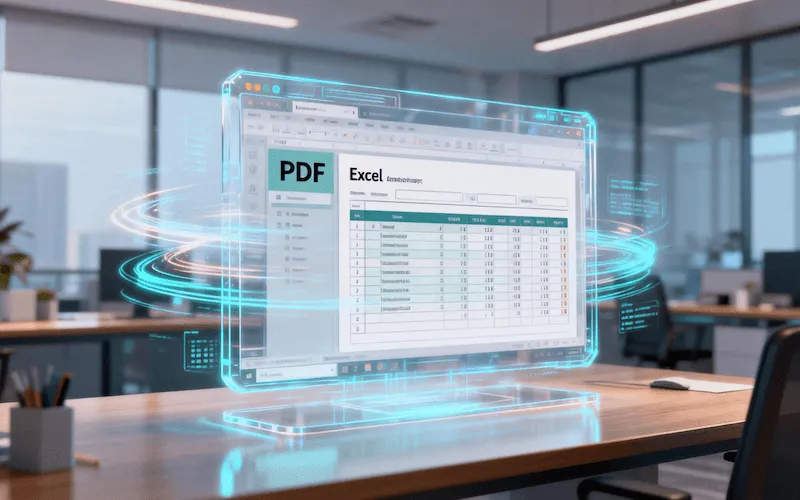
Bank statement PDF to Excel conversion demo

Why Use Our Converter?

🚀 AI-Powered Accuracy

Powered by advanced OCR technology specifically tuned for financial documents. Handles multi-page statements, complex layouts, and multi-currency formats ($, £, €, etc.) with 99.9% accuracy.

⚡️ Batch Export to Excel/CSV

Drag and drop multiple files at once. Export cleanly formatted data compatible with QuickBooks, Xero, Sage, Zoho Books, and other accounting software.

🏦 Supports Global Banks

Optimized for Chase, Bank of America, Wells Fargo, Citibank, HSBC, Barclays, Lloyds, and digital banks like Wise and Revolut.

🔒 Privacy First

No signup required. Use anonymously. All processing happens locally in your browser (or via secure encryption), and files are deleted immediately after conversion. Your financial data stays private.

Supported Banks

How It Works

01

Upload Your PDF Statement

Drag and drop your PDF bank statements or scanned files. Batch upload supported. No file size limits.

02

AI Extraction

Our engine automatically identifies the table structure, removing headers, footers, and disclaimers to capture only transaction data.

03

Download Excel/CSV

Preview the data and download a cleanly formatted Excel or CSV file, ready for reconciliation, audit, or tax filing.

The Essential Tool for Reconciliation

Whether you're a small business owner or a CPA managing multiple clients, manually entering data from PDF statements is time-consuming and error-prone. Our Free Bank Statement Converter turns hours of work into seconds. We transform uneditable PDF statements into structured Excel data, making bank reconciliation in QuickBooks or Xero effortless.