Convert PDF Bank Statements
to Excel & CSV for Free

Built for Accountants, Bookkeepers, and Auditors. Instantly convert PDF bank statements from US, UK, and Global banks into editable Excel (XLSX) or CSV format. AI-powered extraction of dates, descriptions, and balances. No page limits. No registration.
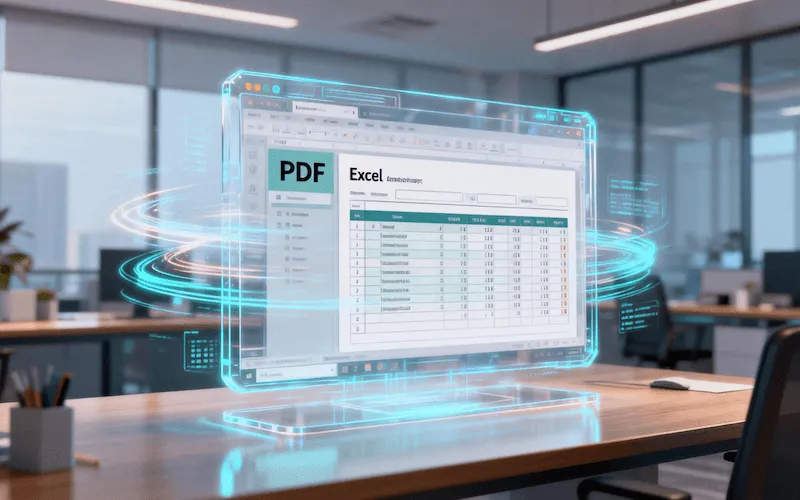
Bank Statement PDF to Excel Conversion Demo

Why Use Our Converter?

🚀 AI-Powered Accuracy

Powered by advanced OCR technology specifically tuned for financial documents. Handles multi-page statements, complex layouts, and multi-currency formats ($, £, €, etc.) with 99.9% accuracy.

⚡️ Batch Export to Excel/CSV

Drag and drop multiple files at once. Export cleanly formatted data compatible with QuickBooks, Xero, Sage, Zoho Books, and other accounting software.

🏦 Supports Global Banks

Optimized for Chase, Bank of America, Wells Fargo, Citibank, HSBC, Barclays, Lloyds, and digital banks like Wise and Revolut.

🔒 Privacy First

No sign-up required. Use anonymously. All processing happens locally in your browser (or via secure encryption), and files are deleted immediately after conversion. Your financial data stays private.

How It Works

1

Upload PDF Statement

Drag & drop your PDF bank statements or scanned files. Batch upload supported. No file size limits.

2

AI Extraction

Our engine automatically identifies the table structure, removing headers, footers, and disclaimers to capture only transaction data.

3

Download Excel/CSV

Preview the data and download a clean Excel or CSV file, ready for reconciliation, audit, or tax filing.

The Essential Tool for Reconciliation

Whether you are a small business owner or a CPA managing multiple clients, manual data entry from PDF statements is time-consuming and error-prone. Our Free Bank Statement Converter turns hours of work into seconds. We transform non-editable PDF statements into structured Excel data, making bank reconciliation in QuickBooks or Xero effortless.