Convert Japanese Bank Statement to Excel: Handle 'Ginkou Torihiki Meisai' with AI
If you deal with accounting in Japan, you know the specific pain of the “Ginkou Torihiki Meisai” (Bank Transaction Statement).
Whether you are auditing a client using MUFG, SMBC, Mizuho, or Japan Post Bank, the problem is always the same: You have a PDF file, but your accounting software (like freee, Money Forward, or Yayoi) needs a CSV or Excel file.
You try to copy and paste the text, but it breaks.
- The layout shifts.
- The Kanji characters turn into garbled text squares.
- The numbers merge with the Japanese descriptions.
If you are searching for “pdf 銀行取引明細 excel 変換” (PDF Bank Statement Excel Conversion), you are looking for a way out of this manual data entry hell.
Here is why standard converters fail with Japanese documents and how our AI tool solves it.
Why Japanese PDFs Break Normal Converters
Most “free PDF to Excel” tools are built for English documents. They struggle with the unique complexity of Japanese financial documents:
- Complex Character Sets: Standard OCR often confuses similar-looking Kanji or fails to recognize Katakana headers.
- Dense Layouts: Japanese statements often pack a lot of information into small rows. Generic tools merge these rows, destroying your data structure.
- Date Formats: Handling specific Japanese date formats (Year/Month/Day) often confuses software designed for US/EU formats.
You need a tool that understands the language, not just the file format.
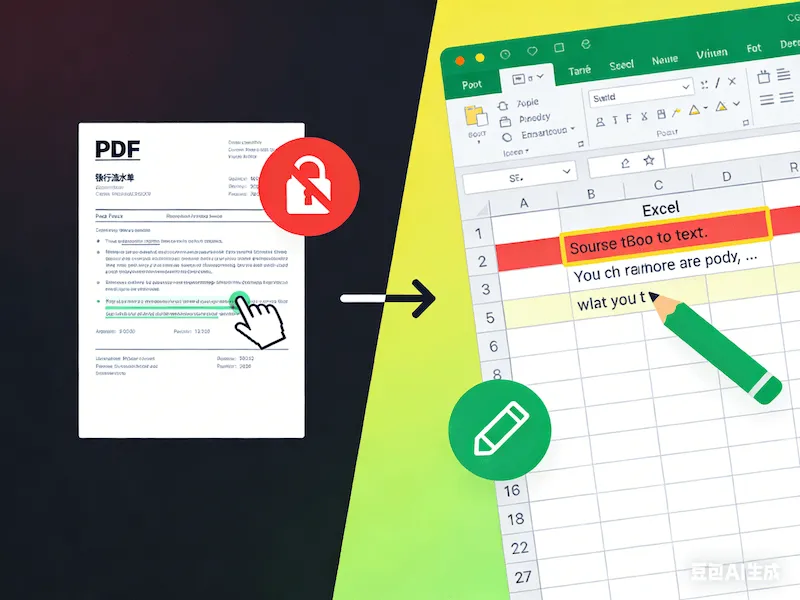
The Solution: AI-Powered Japanese OCR
Our Bank Statement Converter is not just a PDF parser; it uses advanced AI models trained on global financial documents, including Japanese layouts.
It doesn’t just “guess” the text. It reads it.
Supported Japanese Banks
We have successfully tested our engine on statements from:
- MUFG Bank (三菱UFJ銀行)
- SMBC (三井住友銀行)
- Mizuho Bank (みずほ銀行)
- Japan Post Bank (ゆうちょ銀行)
- Resona Bank (りそな銀行)
- …and mostly all regional banks (Chigin).
How to Convert in 3 Steps
You don’t need to install Japanese fonts or specialized software. It works right in your browser.
- Upload the PDF: Drag and drop your “Ginkou Torihiki Meisai” PDF into our secure upload box on the homepage.
- AI Processing: Our system identifies the columns for Date (日付), Description (摘要), Withdrawal (お支払金額), and Deposit (お預り金額) automatically.
- Download Excel: Get a clean
.xlsxfile. The Kanji is perfect, the numbers are accurate, and it’s ready for import into freee or Money Forward.
Secure & Private
Financial data is sensitive, especially when handling corporate audits.
- No Human Access: No one sees your data. It is automated code only.
- Instant Deletion: Files are wiped from our servers immediately after you download your Excel file.
Stop Typing Kanji by Hand
Don’t waste another hour manually entering data from a PDF. Whether you are a local business owner in Tokyo or an international auditor, accurate data is just one click away.
Ready to convert your Japanese bank statements?