PDF to Excel Bank Statement Free: Stop Paying for Basic Converters
You know the drill.
You search for “PDF to Excel bank statement free”. You click the first link. You upload your file. You wait for it to process.
And then… the popup appears:
- “Please create an account to download.”
- “Your file is too large. Upgrade to Pro.”
- “Free version limited to 1 page.”
It is infuriating. You just need to convert one bank statement to Excel to finish your budget or tax return. You shouldn’t have to start a 7-day trial that you’ll forget to cancel.
Here is the good news: You finally found the tool that actually works.
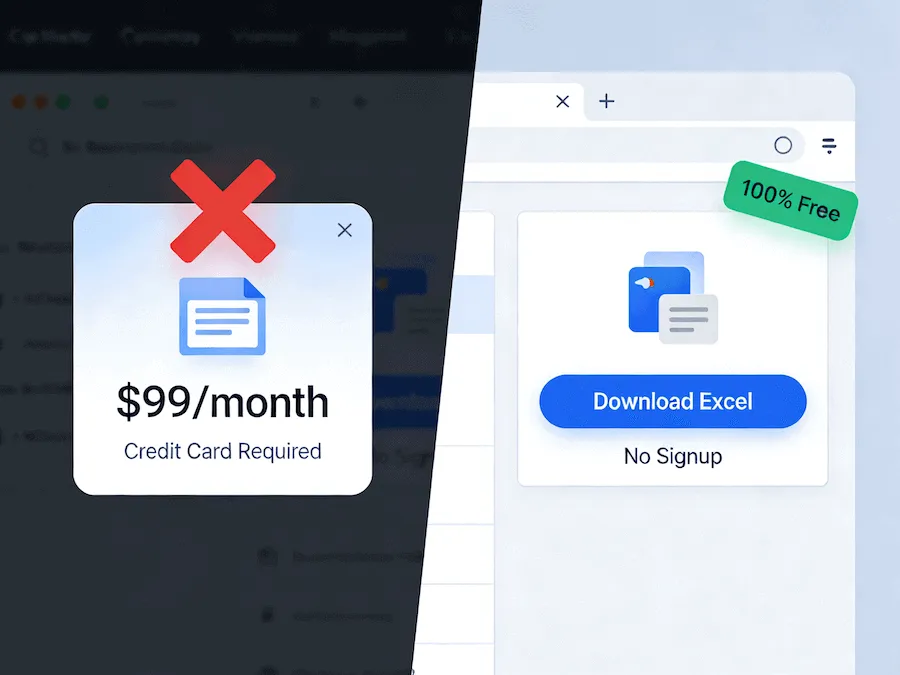
The “Fake Free” Trap vs. Our Tool
Most converters are general-purpose tools trying to upsell you. They treat a bank statement like a Word document, which leads to messy formatting.
We built our Bank Statement Converter differently.
- Truly Free: We don’t ask for your credit card. We don’t even ask for your email address.
- No Page Limits: Upload a 50-page statement? No problem.
- Financial Focus: Our AI is trained on bank layouts (Chase, Wells Fargo, Barclays, etc.), so it knows how to handle dates, deposits, and balances correctly.
Why “General” Converters Ruin Bank Statements
If you use a standard PDF-to-Excel tool (like the one built into Adobe), it tries to preserve the look of the page.
For a bank statement, this is a disaster.
- It merges the “Date” and “Description” columns because they are close together.
- It puts the page header (“Page 1 of 5”) right in the middle of your transaction list.
- It turns negative numbers into text strings.
Our tool extracts the data, not the layout. It ignores the marketing banners and legal disclaimers, giving you a clean Excel table that is ready for formulas and pivot tables.
How to Convert for Free (In Seconds)
Here is how to get your data without the headache:
Step 1: Upload
Go to our homepage. Drag and drop your PDF file.
Step 2: AI Processing
Our system automatically identifies the transaction table. It aligns the columns and formats the dates.
Step 3: Download Excel
Click the button. That’s it. You get a formatted .xlsx file.
- Bonus: You can also choose CSV format if you plan to import the data into QuickBooks or Xero.
Is My Data Safe?
“If it’s free, am I the product?”
Not here. We operate on a privacy-first model.
- No Storage: We delete your files immediately after processing.
- No Humans: The process is fully automated.
- Secure: We use bank-grade encryption for the upload.
Stop Searching, Start Converting
You don’t need to waste another 20 minutes testing “free” tools that aren’t actually free.
Bookmark this page. Next time you need to turn a PDF to Excel bank statement free, you know exactly where to go.